Portbro VPN

Managed WireGuard for Business and Remote Teams

Portbro provides your team with managed, zero-config WireGuard implementations for secure remote access, private network infrastructure, and simple device management. Support remote work, connect remote teams, and bring employees, servers, and company devices online in minutes without complex VPN configuration or hardware overhead.

Get started now, free! No card required, cancel anytime.

Portbro VPN utilizes Wireguard Client on the following platforms:

Common Questions

Managed WireGuard, answered

Managed WireGuard is a service where a provider hosts, configures, and maintains the WireGuard VPN infrastructure for you. Instead of standing up your own servers, generating keys, and editing config files, you get a ready-to-use private network with a web dashboard for adding peers, managing devices, setting per-peer bandwidth controls, and monitoring usage. Portbro provides managed WireGuard for business or teams so you can deploy a private encrypted network in minutes.

With Portbro you can spin up a managed WireGuard instance and connect your first devices in under 2 minutes. Sign up, pick a region, and begin creating and distributing your configuration files to your team. We aimed to make this process as simple as possible, so you can get your team connected quickly with zero hassle.

Self-hosting WireGuard means you are responsible for the server, key rotation, peer configuration files, firewall rules, monitoring, and uptime. Portbro handles all of that and adds an interactive dashboard, one-click region migration, and per-peer bandwidth controls with full usage visibility, while still using the standard WireGuard protocol and clients.

We love Tailscale and are huge fans, but it depends on what your team actually needs. Tailscale is great if you want a network that manages itself. It installs an agent, handles routing automatically, and connects to your company's login system. A lot of teams love that simplicity.

Portbro takes a different approach. Instead of agents and automatic mesh routing, you get a managed WireGuard server your admin controls directly. Add devices, set bandwidth limits per device, and connect using the standard WireGuard app on any platform; No special software required.

Teams switch to Portbro when they want to know exactly what's on their network, see exactly how much bandwidth each device is using, and keep everything running on a protocol that isn't going anywhere. If that sounds like what you're after, Portbro is probably a fit.

Portbro uses the official WireGuard client, so it works on Windows, macOS, iOS, Android, Ubuntu, and Debian. Any platform with a WireGuard client can join a Portbro network.

No. Portbro has a strict no-log policy. Admins can set per-peer bandwidth controls and view per-peer bandwidth usage for billing and capacity planning, but Portbro does not log IP addresses or activity records. Privacy is enforced by design, not just by policy.

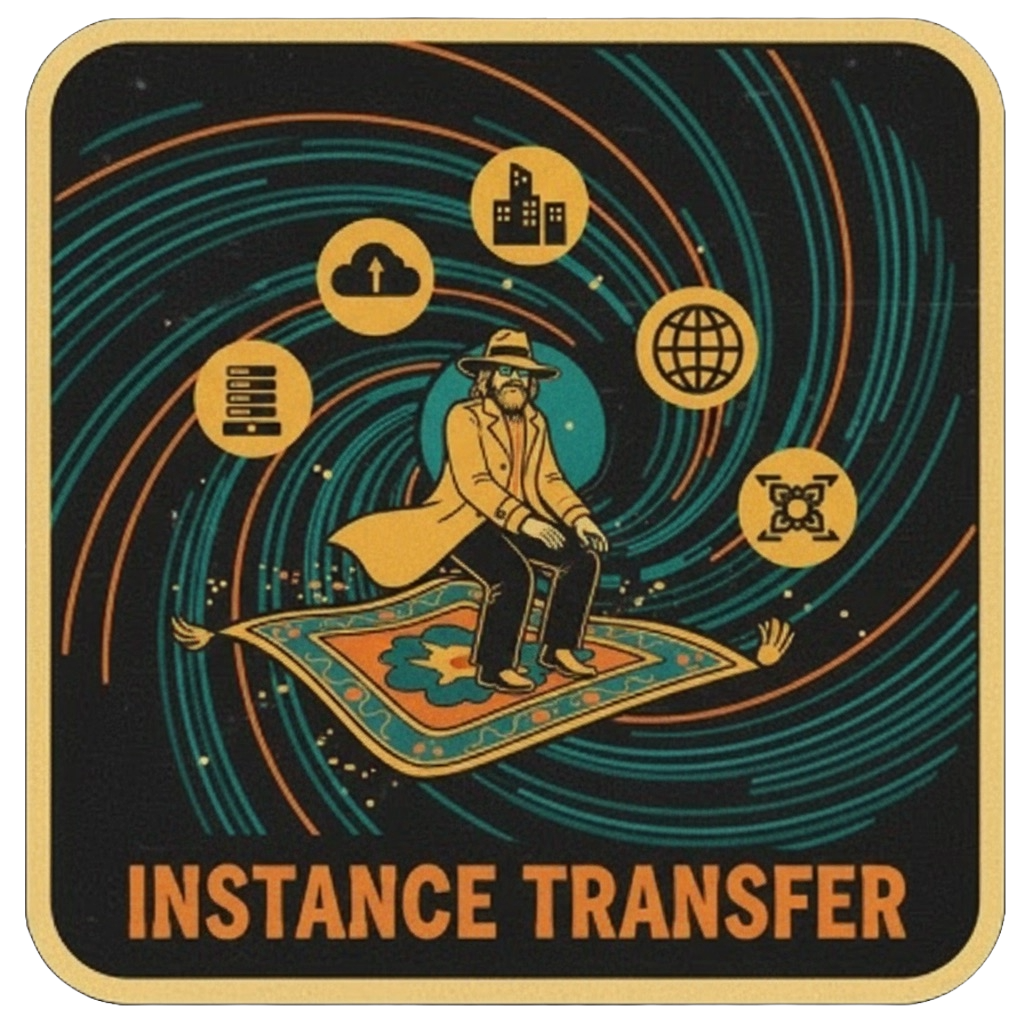
One-click region migration is a Portbro feature that moves your entire managed WireGuard instance, your server, peer list, keys, and configuration to a different region instantly from your dashboard.

With a self-hosted WireGuard setup, moving servers means generating new keys, rebuilding every peer config from scratch, and redistributing config files to every device on the network. With Portbro, you select a new region and the migration happens automatically. Your peers only need to update the endpoint address in their existing config; keys, allowed IPs, DNS settings, and everything else carries over unchanged.

This is useful when your team relocates, when you need lower latency for users in a different region, or when you need to move a client network as part of a larger infrastructure change. It's one of the core reasons MSPs and IT teams choose Portbro over self-hosted WireGuard.

Have questions? Let's talk.

Prefer Email?

Drop us a line. We're here to help!

Email [email protected]